Comments
Every comment left on your Facebook Page and Instagram posts, what TellMore AI replied publicly, and whether it also reached the person privately.
What this tab is for
A comment on a post is a customer raising their hand in public. TellMore AI answers it twice: a public reply underneath the comment so everyone reading the post sees an answer, and a private message to that person so a real conversation can start in your inbox.
This tab is the record of both. It does not send anything itself — it shows you what already happened, and tells you plainly when something did not work.
Turn it on first
Comment replies are set per Facebook Page and Instagram account, not once for everything — so you can let TellMore AI answer comments on one Page and stay quiet on another.
- 1Open Comments. The Comment replies card at the top lists every connected Page and account.
- 2Each one has two switches. Flip one and it is saved at once.
- 3The same card is in Settings → Comment replies, and each Facebook or Instagram row in Connected accounts shows how its switches stand, with Change to come here.
| Switch | What it does | Default |
|---|---|---|
| Auto-reply to comments | Publicly replies underneath the comment, where everyone can see it | On |
| Send to inbox | Also messages the commenter privately, to move the conversation to your inbox | On |
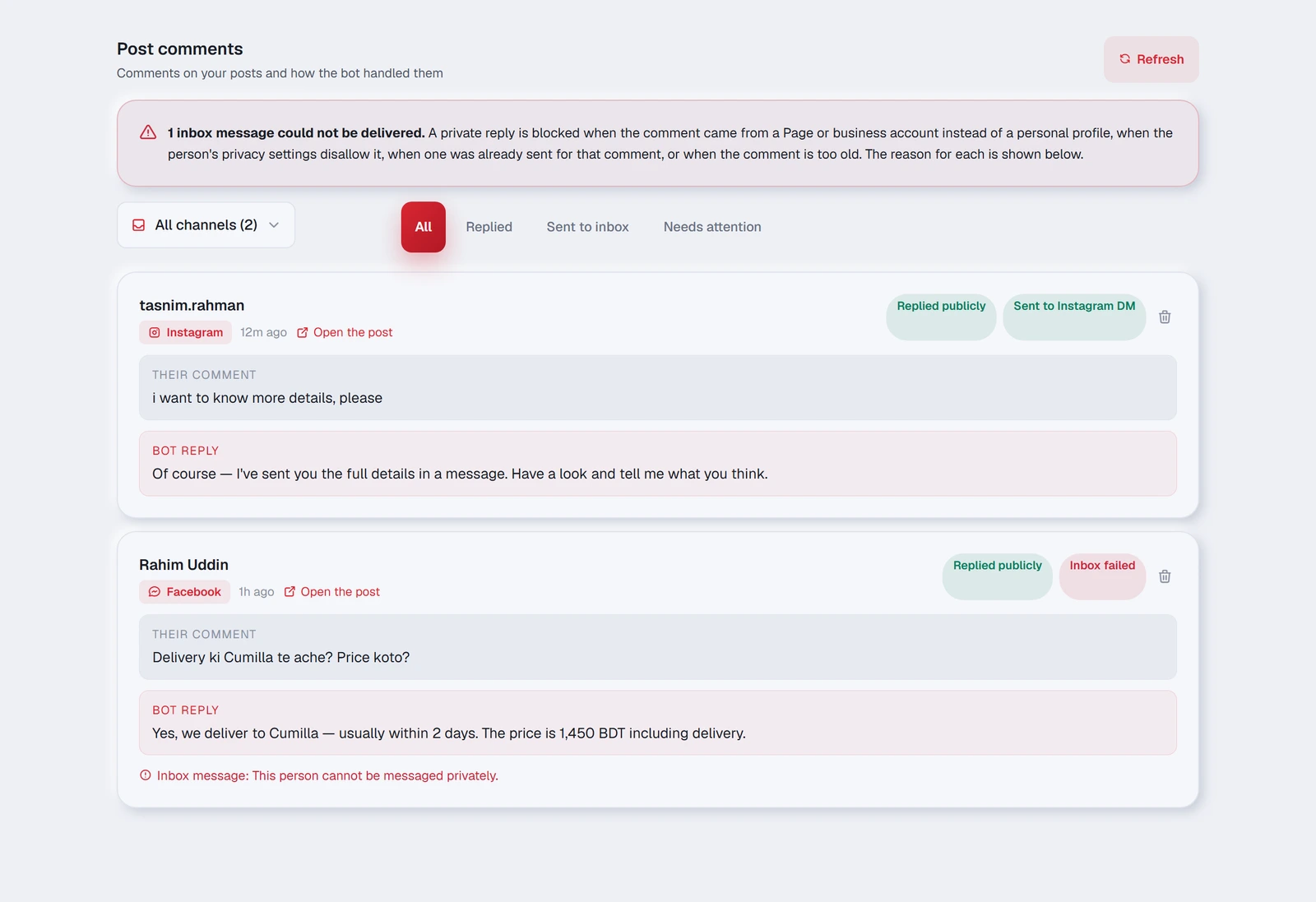
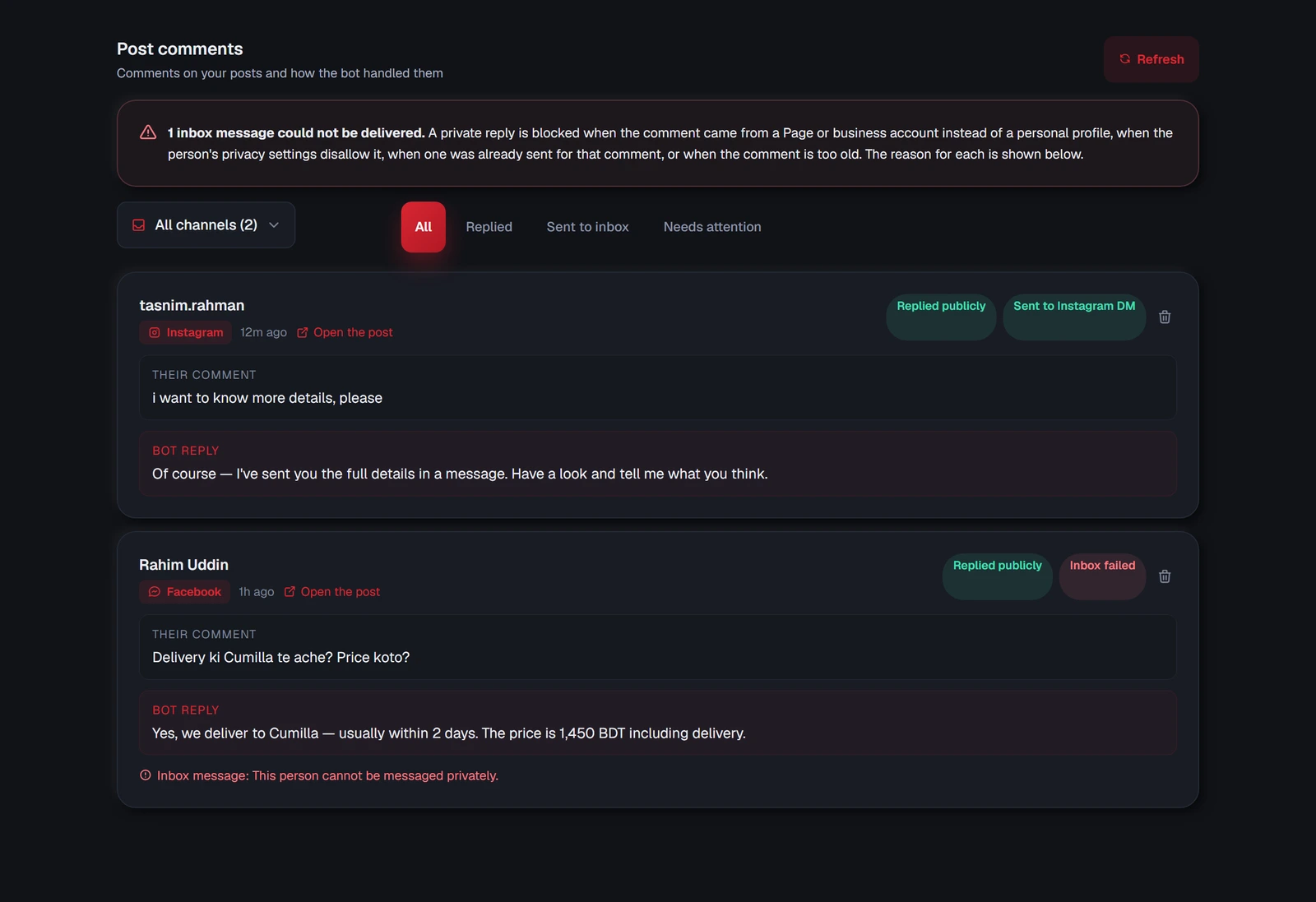
Reading one comment card
| What you see | What it means |
|---|---|
| The name at the top | Who wrote the comment |
| Facebook / Instagram badge | Which account the post is on |
| “2h ago” | When the comment was written |
| Open the post | Opens the original post |
| Replied publicly | TellMore AI posted its answer under the comment |
| Not replied | No public reply — the switch is off, or it failed |
| Sent to Messenger / Sent to Instagram DM | The private message reached them |
| Inbox failed | The private message could not be delivered — the reason is printed below the card |
| No inbox msg | No private message was attempted |
| The trash icon | Removes the record from your dashboard only |
| Their comment | Exactly what the customer wrote |
| TellMore AI reply | Exactly what TellMore AI answered |
Finding one comment among many
Two filters sit above the list, and they work together.
| Filter | Use it to |
|---|---|
| Channel dropdown | Show only Facebook, or only Instagram. It only lists channels that actually have comments |
| All | Everything, newest first |
| Replied | Only comments TellMore AI answered in public |
| Sent to inbox | Only the ones where a private message got through |
| Needs attention | Anything that failed — the first place to look each morning |
When the private message fails
A red panel appears at the top of the tab counting how many could not be delivered, and each affected card prints its own reason underneath.
This is normal and it is not a fault in your setup. A private reply is blocked when:
- 1The comment came from a Page or business account rather than a personal profile — those cannot receive a private reply at all.
- 2The person's privacy settings do not allow messages from businesses.
- 3One was already sent for that same comment.
- 4The comment is too old — both platforms close the window after a while.